GSPro Control Box
A custom-built controller to enhance your golf simulator experience.
🔧 Project Overview
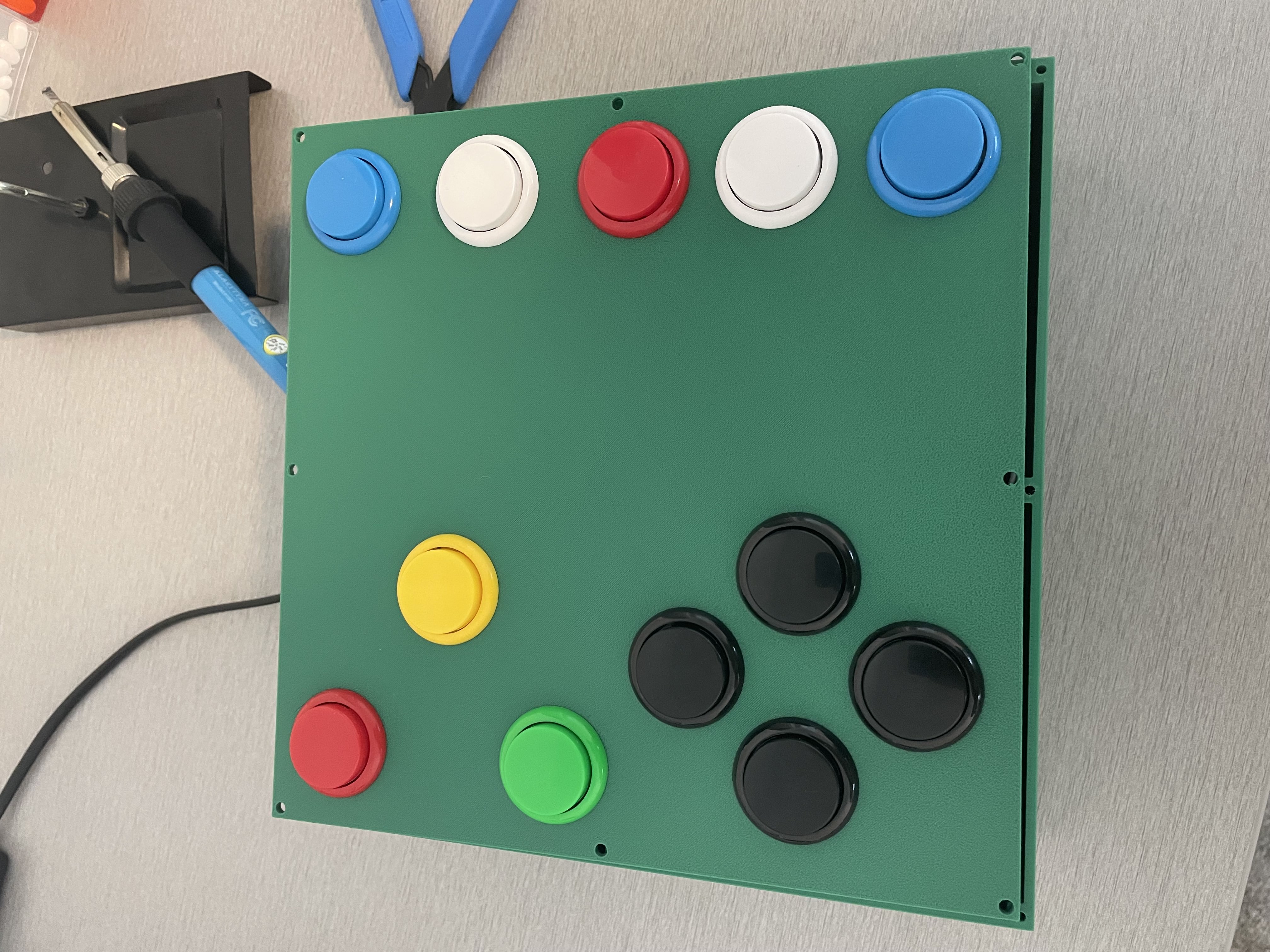
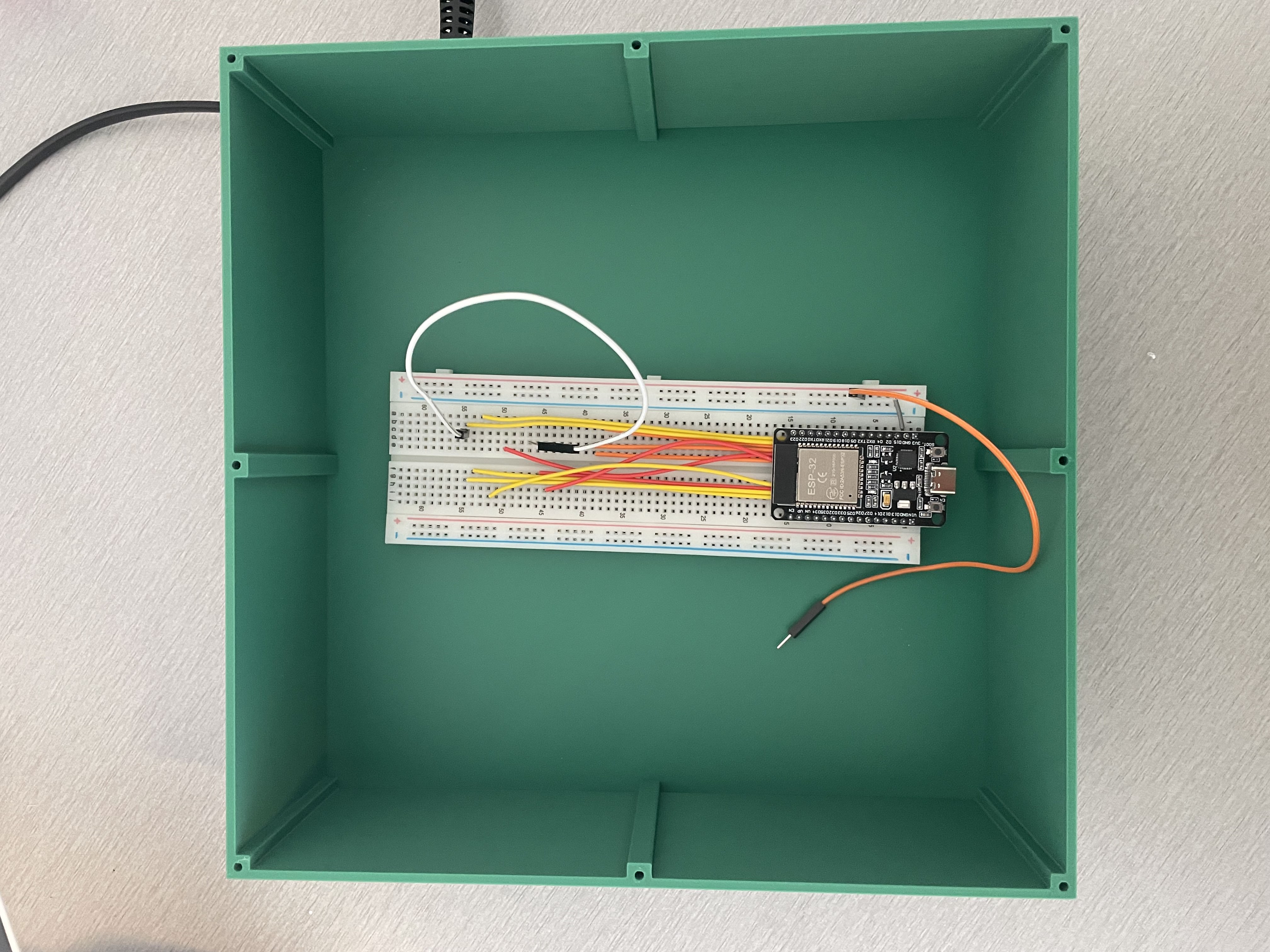
This project features a fully custom control box built for GSPro. From 3D printing the enclosure to wiring, soldering, and coding the firmware, this was a hands-on project from start to finish. It uses an ESP32 microcontroller and arcade-style buttons for a satisfying, tactile experience.
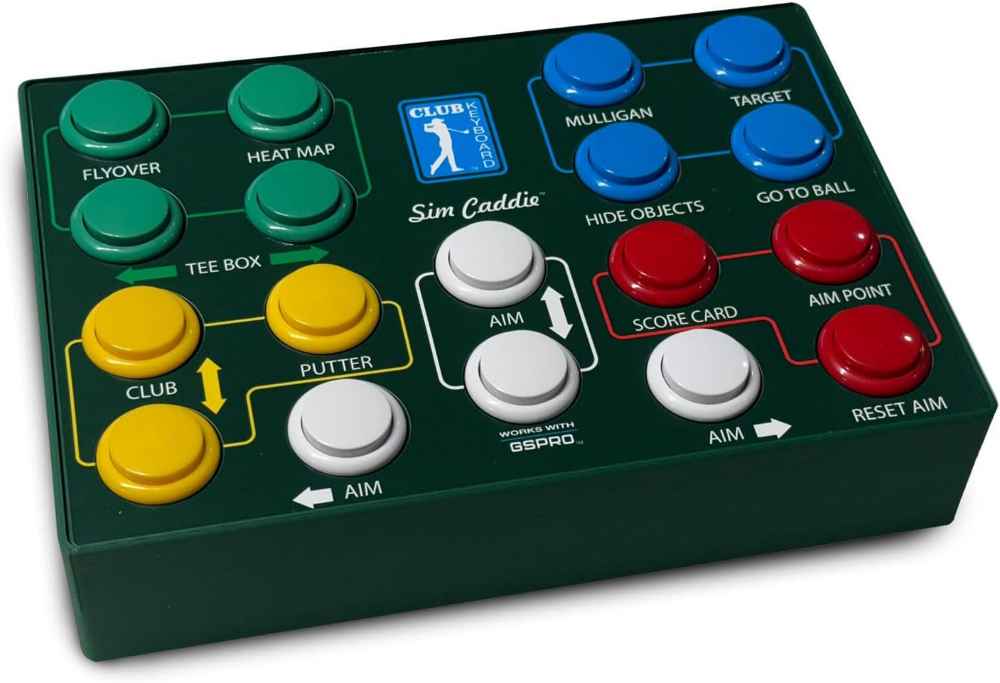
🛠️ Build Process
- Designed the layout and 3D-printed the enclosure
- Soldered 12 arcade buttons to an ELEGOO ESP32 dev board
- Wrote firmware using the Arduino framework
- Mapped each button to simulate a keyboard input for use with GSPro
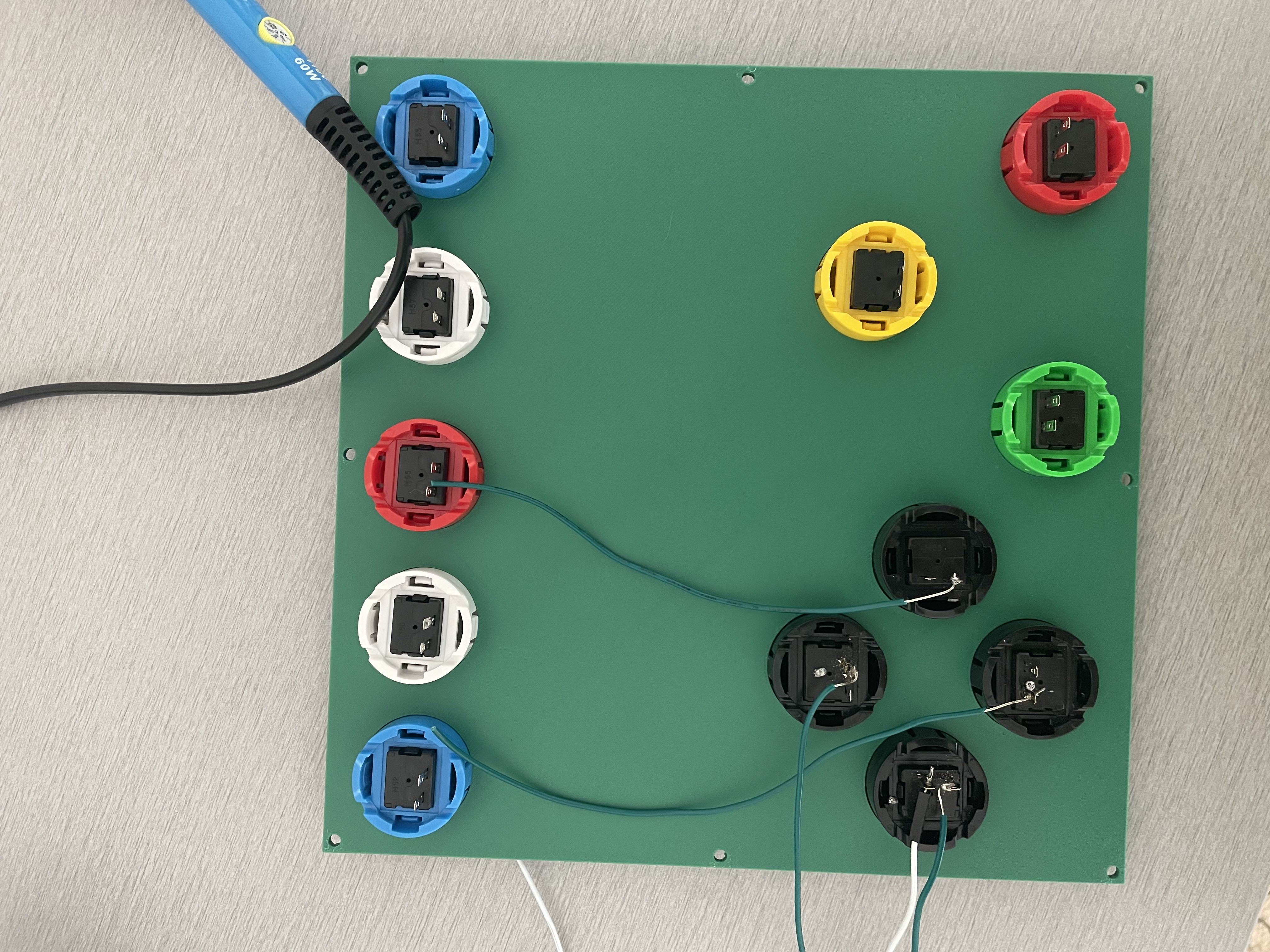
💻 Sample Code
This ESP32 sketch uses the HID Project library to send keyboard presses:
#include <HID-Project.h>
#include <WiFi.h>

const char* ssid = "SSID";
const char* password = "PASS";
const String server = "http://192.168.30.4:5000/press/";
unsigned long lastSendTime = 0;
const unsigned long sendCooldown = 1000; // 1 second


#define BTN_CLUB_DOWN   5
#define BTN_RESET       4
#define BTN_MULLIGAN    27
#define BTN_CLUB_UP     21
#define BTN_PUTTER      26
#define BTN_RESET_AIM   14
#define BTN_TEE_LEFT    18
#define BTN_TEE_RIGHT   19
#define UP_PIN          13
#define DOWN_PIN        15
#define LEFT_PIN        12
#define RIGHT_PIN       23

void setup() {
  Serial.begin(115200);

  pinMode(BTN_CLUB_DOWN, INPUT_PULLUP);
  pinMode(BTN_RESET, INPUT_PULLUP);
  pinMode(BTN_MULLIGAN, INPUT_PULLUP);
  pinMode(BTN_CLUB_UP, INPUT_PULLUP);
  pinMode(BTN_PUTTER, INPUT_PULLUP);
  pinMode(BTN_RESET_AIM, INPUT_PULLUP);
  pinMode(BTN_TEE_LEFT, INPUT_PULLUP);
  pinMode(BTN_TEE_RIGHT, INPUT_PULLUP);
  pinMode(UP_PIN, INPUT_PULLUP);
  pinMode(DOWN_PIN, INPUT_PULLUP);
  pinMode(LEFT_PIN, INPUT_PULLUP);
  pinMode(RIGHT_PIN, INPUT_PULLUP);

  WiFi.begin(ssid, password);
  while (WiFi.status() != WL_CONNECTED) {
    delay(1000);
    Serial.println("Connecting to WiFi...");
  }
  Serial.println("Connected to WiFi");
  sendKey("GSPro Wi-Fi controller is successfully connected!!");
}

String urlEncode(const String& str) {
  String encoded = "";
  char code0, code1, c;
  for (int i = 0; i < str.length(); i++) {
    c = str.charAt(i);
    if (isalnum(c)) encoded += c;
    else {
      code0 = (c >> 4) & 0xF;
      code1 = c & 0xF;
      encoded += '%';
      encoded += "0123456789ABCDEF"[code0];
      encoded += "0123456789ABCDEF"[code1];
    }
  }
  return encoded;
}

void sendKey(String key) {
  HTTPClient http;
  WiFiClient client;
  http.begin(client, server + urlEncode(key));
  http.GET();
  http.end();
}

void loop() {
  unsigned long now = millis();
  if (now - lastSendTime >= sendCooldown) {
    if (digitalRead(BTN_CLUB_DOWN) == LOW)  { sendKey("i"); lastSendTime = now; }
    else if (digitalRead(BTN_RESET) == LOW) { sendKey("r"); lastSendTime = now; }
    else if (digitalRead(BTN_MULLIGAN) == LOW) { sendKey("ctrl+m"); lastSendTime = now; }
    else if (digitalRead(BTN_CLUB_UP) == LOW)  { sendKey("k"); lastSendTime = now; }
    else if (digitalRead(BTN_PUTTER) == LOW)   { sendKey("u"); lastSendTime = now; }
    else if (digitalRead(BTN_RESET_AIM) == LOW) { sendKey("a"); lastSendTime = now; }
    else if (digitalRead(BTN_TEE_LEFT) == LOW)  { sendKey("c"); lastSendTime = now; }
    else if (digitalRead(BTN_TEE_RIGHT) == LOW) { sendKey("v"); lastSendTime = now; }
    else if (digitalRead(UP_PIN) == LOW)    { sendKey("up"); lastSendTime = now; }
    else if (digitalRead(DOWN_PIN) == LOW)  { sendKey("down"); lastSendTime = now; }
    else if (digitalRead(LEFT_PIN) == LOW)  { sendKey("left"); lastSendTime = now; }
    else if (digitalRead(RIGHT_PIN) == LOW) { sendKey("right"); lastSendTime = now; }
  }

  delay(50); // keep things smooth
}
}
💻 Python Script
This Python script serves as a local host, receiving button press events from the controller:
from flask import Flask
import keyboard
import logging

app = Flask(__name__)

log = logging.getLogger('werkzeug')
log.setLevel(logging.ERROR)

@app.route('/press/')
def press_key(key):
    try:
        print(f"Received key press: {key}")
        # Handle multi-key combos (e.g., ctrl+m)
        if '+' in key:
            combo = key.split('+')
            keyboard.press_and_release('+'.join(combo))
        else:
            keyboard.press_and_release(key)
        return f"Pressed: {key}", 200
    except Exception as e:
        return f"Error: {str(e)}", 500

if __name__ == '__main__':
    print("GSPro Keyboard Created By TL...")
    app.run(host='0.0.0.0', port=5000)
📸 More Photos
🎯 Conclusion
The GSPro Control Box is a functional, durable, and immersive accessory for simulator golfers. With arcade-style responsiveness and full customizability, it’s a perfect upgrade for any GSPro setup.